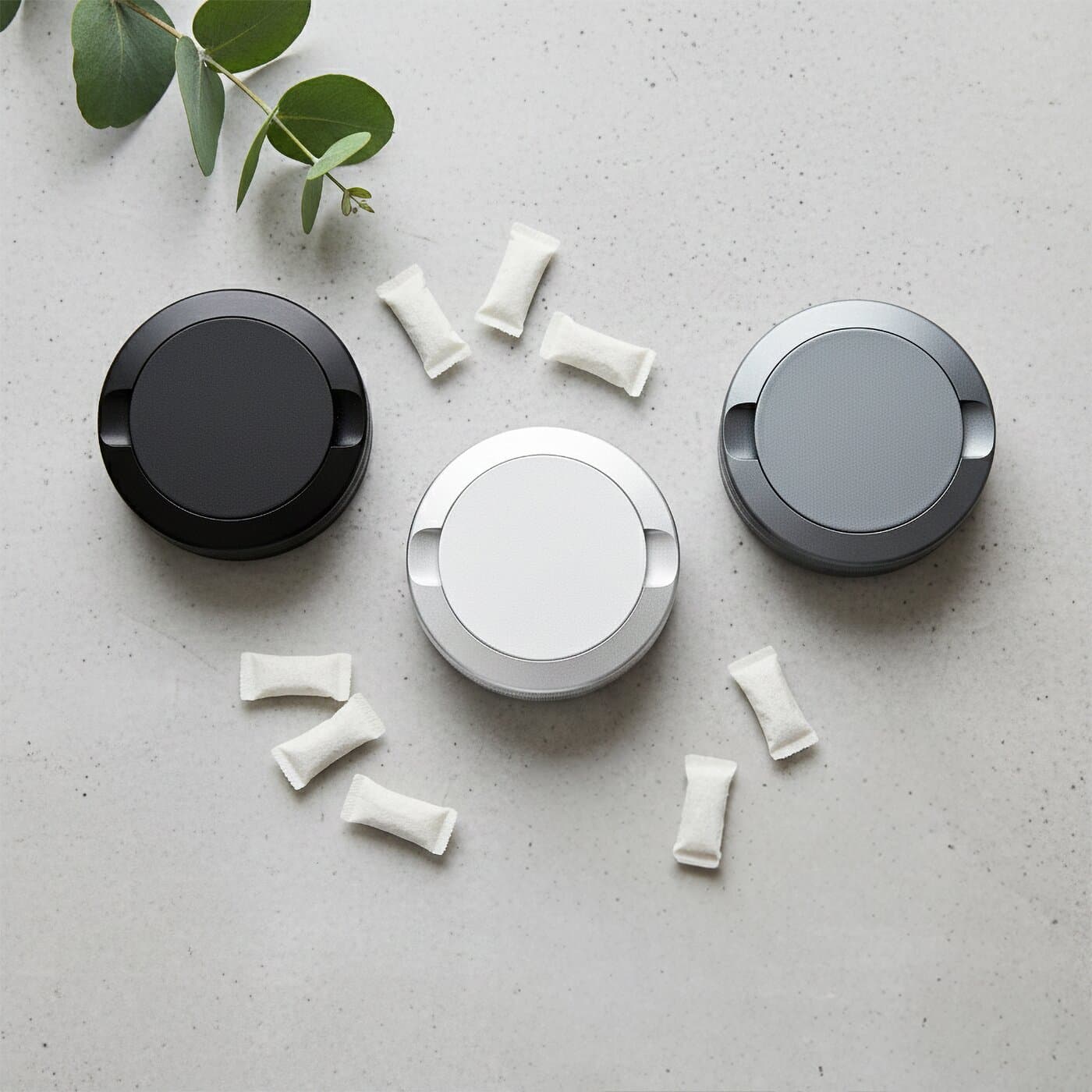
How Does the WELANDA Laser Engraving Editor Work? Complete Guide


The WELANDA Laser Engraving Editor
Key Features at a Glance
Online Tool
Real-time personalization directly in your browser
€9.99 per surface
Lid and/or bottom customizable
2-3 business days
Design in minutes, fast delivery
Step 1: Choose Product and Colour
Before you start the editor, select your product:
| Model | Description | Ideal For |
|---|---|---|
| -------- | -------------- | ----------- |
| Classic | Standard size, 2-chamber system | Daily use |
| Grip | Textured surface | Better grip, outdoor |
| Large | Larger capacity | More pouches, longer trips |
| Puck XL | Round, waterproof | Sports, outdoor, camping |
Tip: Dark colours like Black and Gunmetal create the strongest engraving contrast. The laser exposes the silver aluminium beneath the anodized layer.
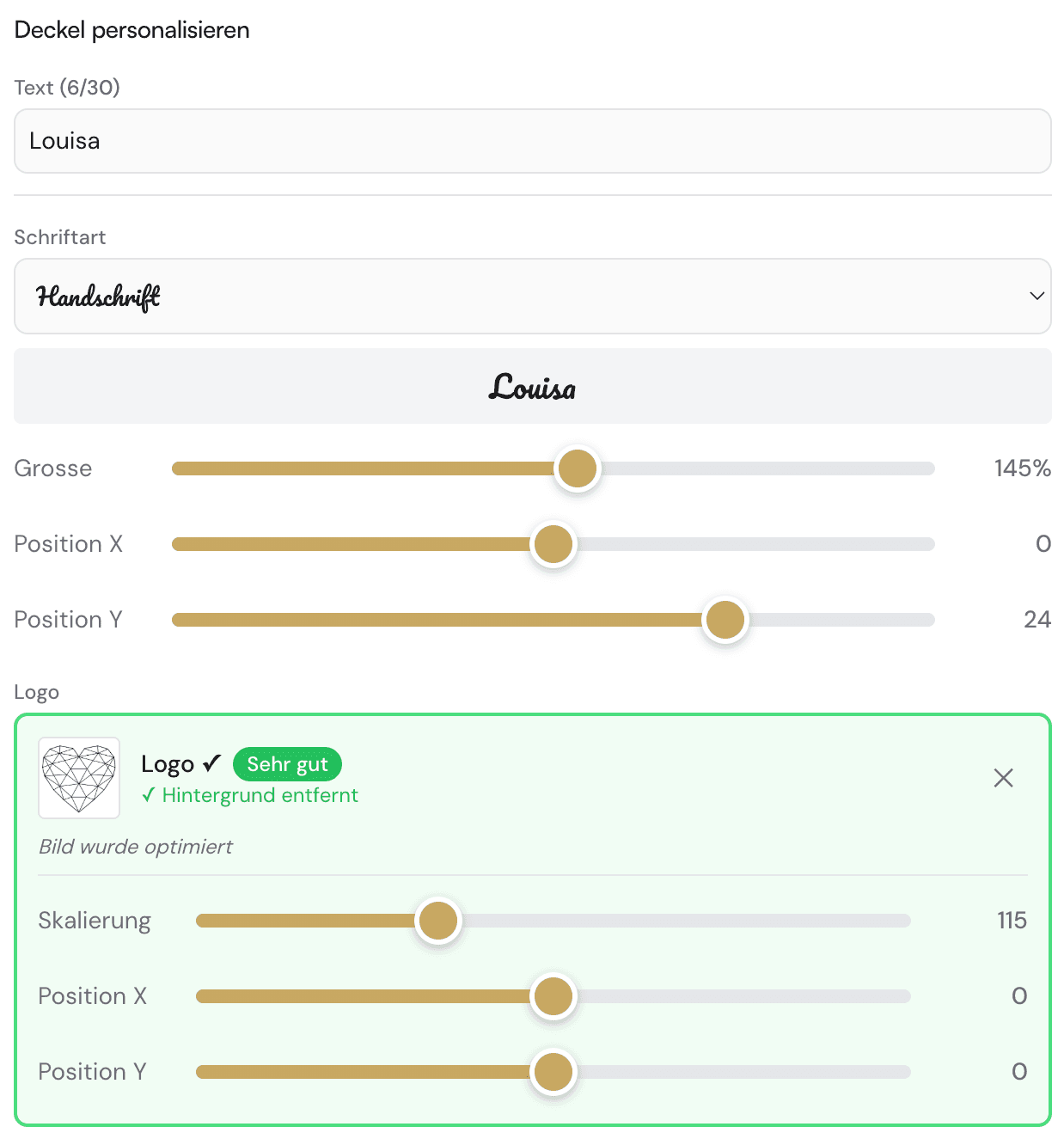
Step 2: Open the Editor
- Can View: The can in your selected colour
- Control Panel: Left or bottom (depending on screen size)
- Preview Area: The interactive can
Editor Navigation:
- Rotate: Drag with mouse or swipe with finger
- Zoom: Scroll wheel or pinch gesture
- Select Surface: Click on lid or bottom
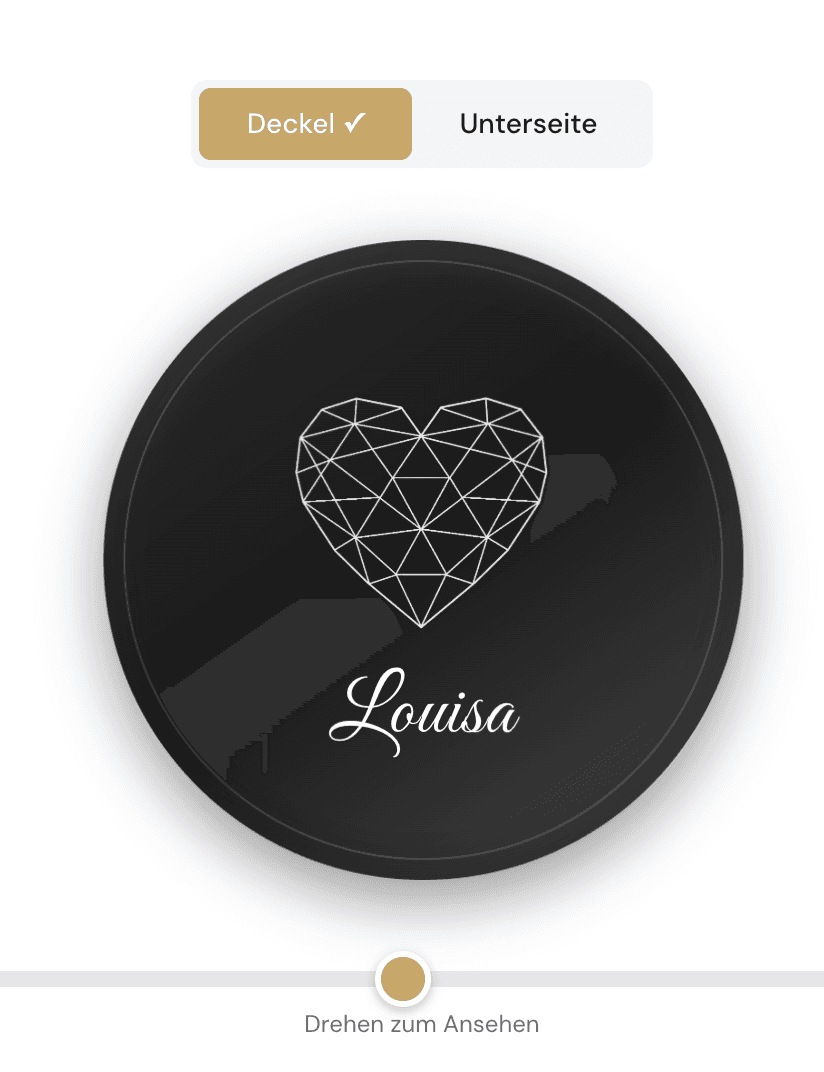
Step 3: Create Your Design
Option A: Upload Your Own Image
- Click "Upload Image"
- Select a file (PNG, JPG, SVG, HEIC)
- The image is automatically checked by our AI
Option B: Add Text
- Click "Add Text"
- Type your engraving text
- Choose one of 7 designer fonts
Option C: Combination
Combine image and text on one or different surfaces.
The 7 Designer Fonts
Our fonts were specially selected for laser engraving on metal:
| Font | Style | Ideal For |
|---|---|---|
| ------------ | ------ | ----------- |
| Classic Serif | Timeless elegant | Initials, formal occasions |
| Modern Sans | Minimalist | Modern logos, clean designs |
| Script | Handwritten | Signatures, personal dedications |
| Bold | Strong | Short texts, statements |
| Condensed | Narrow | Longer texts, names |
| Stencil | Military | Tactical look, outdoor |
| Gothic | Traditional | Classic designs |
AI-Powered Image Validation
Our system analyses your image within seconds:
| Check | Result | Action |
|---|---|---|
| --------- | ---------- | -------- |
| Sufficient contrast | ✅ Green | Proceed to design |
| Background detected | ⚠️ Yellow | Automatic removal offered |
| Photo detected | ❌ Red | Rejection with explanation |
| Insufficient contrast | ❌ Red | Optimisation tips provided |

Step 4: Adjust Your Design
Resize
- Drag the scaling slider (0-300%)
- System suggests default size
Reposition
- Drag & drop to desired location
- Click "Centre" for exact middle
Preview
- Rotate the can from all angles
- Zoom into details for fine-tuning
Step 5: Dual-Zone Engraving
Lid
Main visible surface - ideal for logos, monograms, main design
Bottom
Hidden surface - ideal for personal messages, dates, contact details
Cost: €9.99 per surface. Two surfaces: €19.98 personalization fee.
Step 6: Review Preview and Order
Before you order:
- Check preview: Rotate the can, review all details
- Verify text: Spelling, formatting
- Check size: Is everything readable and proportional?

Which Images Work Best?
- Logos with clear outlines
- Icons and symbols (animals, sports, hobbies)
- Crests and emblems (clubs, families)
- Text and monograms
- Silhouettes (skylines, outlines)
- QR codes (work on metal!)
Not Suitable ❌
- Photos (too many grey tones)
- Complex illustrations with fine details
- Gradients (colour transitions)
- Low-contrast images
Tips for Best Results
Pro Tips
Use SVG
Vector graphics deliver sharpest results
Minimum Sizes
Text from 4mm, lines from 0.3mm thickness
Contrast
Dark cans = best visibility
Keep it simple
Simple designs have stronger impact
Technical Minimum Sizes
| Element | Minimum Size |
|---|---|
| --------- | -------------- |
| Lines | 0.3mm thickness |
| Text | 4mm height |
| Details | 0.5mm spacing |
Frequently Asked Questions
Do I need to install software?
No. The editor runs directly in your browser - on desktop, tablet and smartphone.Can I save my design?
Not currently. However, you can take a screenshot of the preview. Your design is saved in our system when you order.What if my image is rejected?
You receive an explanation why the image isn't suitable, plus optimization tips:- Insufficient contrast → Increase contrast in image editing software
- Photo detected → Use a graphic or silhouette instead
- Too complex → Simplify the design
Can I remove the background?
Yes, automatically! When a white or solid-colour background is detected, the system offers removal.How accurate is the preview?
Very accurate. Position, size and proportions match the final product.Technical Specifications
| Property | Value |
|---|---|
| ------------- | ------ |
| Engraving surface lid | approx. 55mm diameter |
| Engraving surface bottom | approx. 55mm diameter |
| Minimum line thickness | 0.1mm |
| Supported formats | PNG, JPG, SVG, HEIC |
| Maximum file size | 10MB |
| Recommended resolution | 300 DPI or higher |

The Process After Ordering
- Order received → Automatic design verification
- Production → Laser engraving in Germany (1-2 business days)
- Quality control → Every can is inspected
- Shipping → DHL within Germany
- Delivery → 2-3 business days total
Every can is unique, crafted to your specifications.
Summary
Intuitive
No prior knowledge needed
Fast
Finished design in minutes
Reliable
Preview shows exact result
Quality
Engraving Made in Germany
Related Articles
- Design Your Own Snus Can - Overview of all possibilities
- Design Tips for Laser Engraving - Pro tips for best results
- Snus Can as a Gift - Ideas for personalized gifts
- Which Snus Can Suits You? - The complete comparison
Ready for your own premium snus case?
Create your individual design with laser engraving – Made in Germany.
Design now